Writing software with real version control
Keeping art human.
The tools of a well-resourced author — a copy editor, an assistant, a second reader — and an AI that never writes your book.
14 days free. No credit card.
You write. It keeps your timeline straight, remembers every version, and gets out of the way.
Keeping art human
The chores are ours.
The story is yours.
Prongs puts AI to work in all the right places: keeping your timeline straight, tracking every character and detail, catching the slip in chapter 12, saving every version. That leaves you free for the part only you can do — the prose, the story, the people in it. You keep a working writer’s pace, and every page is your own.
What's on the desk
Everything a working writer reaches for
Version control
Nothing you write is ever lost
Every word is saved as you type, and every version is kept. Try a new ending in a draft, compare it with your main version word by word, and bring back anything — the whole book, one chapter, or a single paragraph.
- Drafts you can branch, compare and adopt
- Restore any chapter from any day
- Name versions — “Before the agent’s notes”

Your story, kept straight
A timeline and notes that keep up with the book
See your story in the order it happens — flashbacks and all — with a row for each character. Notes for every character, place and piece of lore show every chapter they appear in and the details you've established, so green eyes in chapter 1 don't become brown in chapter 3.
- Built and updated from your chapters in one click — undo anytime
- Contradictions flagged with chapter references
- Your own notes are never rewritten

An editor's eye
An AI that reads like an editor, not a ghostwriter
Ask about plot holes, pacing or a character's arc and get the kind of answer a good editor gives — specific, with the passages it's talking about. It never writes into your manuscript. Every word in your book is put there by you.
About the AI
The whole book on one table
Structure, like index cards
A card for every chapter with its synopsis, status and word target, in a drawer you can reorder by hand. See at a glance what's drafted, what's in revision, and what's done.

Write at the width of your book
The page you'll print, as you write it
The editor wraps lines the way your printed book will — set by the trim size, margins and typeface you'll publish with — and marks where each printed page begins. Export a print-ready PDF, EPUB or Word file when you're ready.
Publishing and export
Screenplays and stage plays
Write a script, get a script
Type a scene heading, some action, a name in capitals and their lines, and Prongs sets it in standard format as you go. See any scene exactly as it prints, then export a PDF ready to send, or a Final Draft or Fountain file.
- Enter and Tab handle the formatting
- Character names and locations complete as you type
- (MORE) and (CONT'D) at page breaks, title page, scene numbers

Every morning
The page where you left off
Open Prongs and your book is waiting where you stopped, with a note in the margin about what you did last session, today's words, and anything worth a second look.

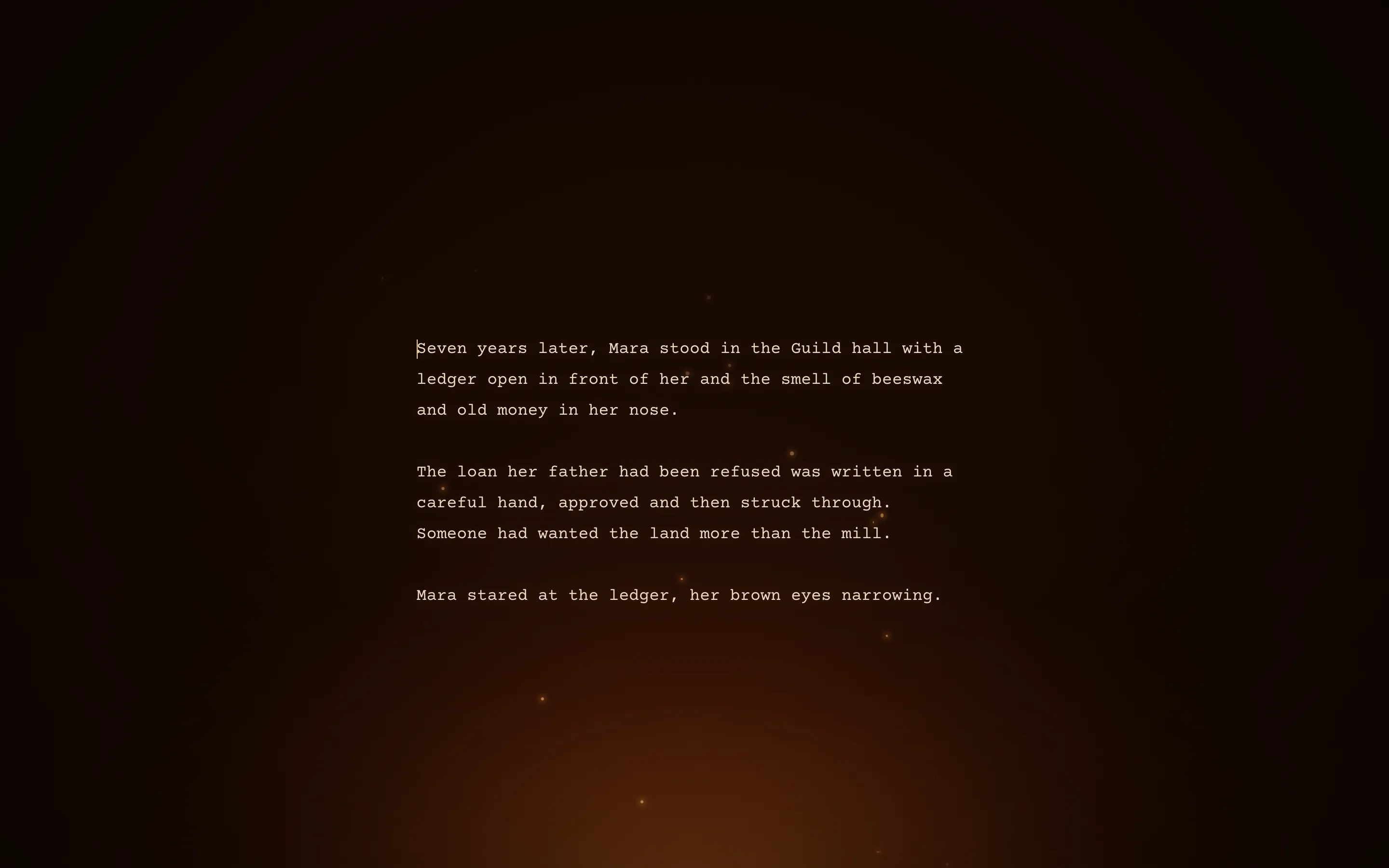
Zen mode
Just you and the page
Five quiet rooms to write in — firelight, a midnight sky, dappled light, paper, or plain black — with the line you're writing held steady in the middle of the screen.
Step insideEvery word, protected
Writers lose sleep over lost work. You won't.
Saved as you type
No save button, no lost afternoon. If your browser crashes mid-sentence, the sentence is still there.
Every version kept
Deleted a chapter last week? It’s in Recently deleted. Changed your mind about a rewrite? Bring back a paragraph or the whole book.
Private by contract
The AI runs on Google Vertex AI, where your writing is contractually never used to train models. Your book is yours.
For every kind of writer
Shaped to your form
Each kind of work gets its own format. A novel is set like a book, a screenplay like a screenplay, a poem line for line.
Already started?
Bring the book you're writing
Drop in a Word file, a Google Doc (downloaded as Word), Markdown or plain text, and Prongs finds your chapters for you. Scripts come in from Final Draft or Fountain, split into scenes. Your words arrive exactly as written, italics and all, and your notes on characters and places can follow them in.
Coming from another app? Here's how to move over.
One plan, everything included
$9 a month
or $79 a year — save 27%
14 days free · no credit card · everything included
Begin
Every word in your book, yours.
The safety of real version control, the eye of a good editor, and nothing that writes for you.
Start writing free