Features No Other Writing Tool Has
The only writing platform with real version control, structured reviews, story timeline, writing goals, and privacy-guaranteed AI. Everything a writer needs — at half the price of the competition.
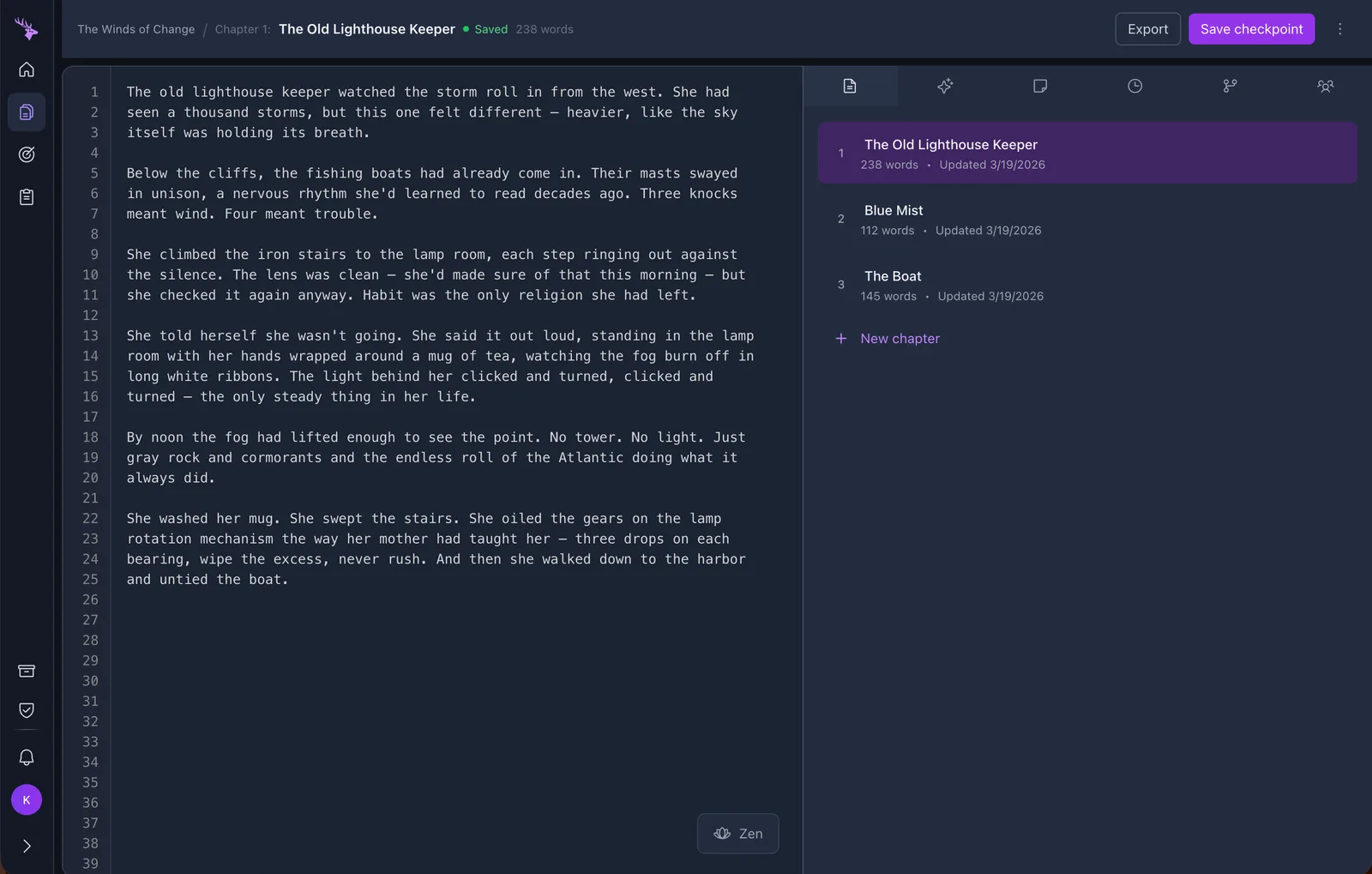
AI Writing Assistant
A creative partner that manages your storyline, tracks characters, checks for plot holes, and suggests directions — without ever writing a word for you. Powered by Vertex AI with guaranteed privacy, unlike tools built on consumer APIs.
Learn moreVersion Control for Writers
The only writing platform with real branches, visual diffs, and merging. Explore alternate storylines without risking your main draft. No other tool — Scrivener, Dabble, Novlr, or Google Docs — offers this.
Learn moreZen Mode
Five immersive writing environments — from midnight starfields to warm firelight — with auto-hiding UI. Far beyond the basic "hide the toolbar" distraction-free modes in other tools.
Learn moreComplete Data Privacy
Your writing never leaves Google's infrastructure. We use Vertex AI — your words are contractually guaranteed to never be used for model training. Most writing tools can't make this promise.
Learn moreProfessional Publishing
Export print-ready PDFs with professional typography. Choose page size, font, spacing, and margins. Table of contents auto-generated.
Learn moreReviews & Collaboration
Request feedback on drafts with line-by-line diffs, threaded comments, and approve/reject workflows. A structured review process no other writing tool offers — built for co-authors, editors, and writing groups.
Learn moreStory Timeline
Track your narrative chronology with a visual timeline. Scenes, plot points, character events, and world events — each linked to specific chapters. Drag and drop to reorder. The AI uses your timeline to check for chronological consistency.
Learn moreStructured Notes
Organize worldbuilding with categorized notes — characters, locations, plot points, and research. Create notes manually or save AI responses with one click. All notes feed back into AI context.
Learn moreWriting Goals
Set daily and weekly word targets. Track your progress with a 30-day history chart, current streak count, and real-time progress rings. Stay motivated and build consistent writing habits.
Learn moreMulti-Format Support
Books with chapters. Scripts with scenes. Albums with tracks. Poems with stanzas. Prongs adapts its entire interface to match your creative format.
Learn morePlus Everything Else a Writer Needs
Auto-Save
Every keystroke saved. Never lose work.
Dark Mode
Easy on the eyes for late-night sessions.
Word Count
Per-chapter and total word counts always visible.
Keyboard Shortcuts
Cmd+S to checkpoint, Shift+Cmd+F for Zen.
Archive
Finished a project? Archive it. Retrieve anytime.
Voice Input
Speak your questions to the AI assistant.
Drag & Drop
Reorder chapters and notes by dragging.
AI Summaries
Auto-generate commit messages from your changes.
Offline Backup
Local backup if your connection drops.
Try Every Feature Free for 14 Days
No credit card required. Full access to everything.
Start Your Free Trial